Habitify Integration & Focus Sessions
PolyPlan has just launched two game-changing features alongside several interface improvements that take your productivity management to the next level. Let's dive into what's new.
🔄 Habitify Integration
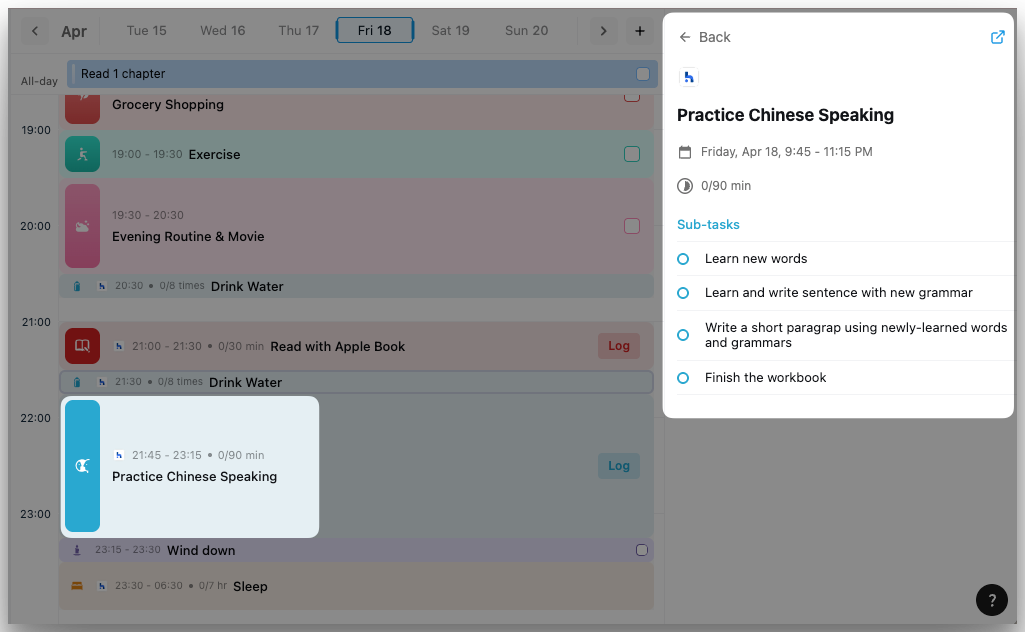
The long-awaited Habitify integration has finally arrived on website & desktop apps! As the #1 most requested feature from our community, this powerful connection bridges the gap between your daily habits and task management.
What You Can Do Now
Seamless Habit Syncing: Your Habitify habits automatically appear in your timeline on PolyPlan.
Direct Check-ins: Complete check-ins on your habits without leaving PolyPlan.
Holistic Productivity System: See habits alongside tasks, meetings, and events in one place; manage both your routine habits and one-off tasks in a single workflow
Read the guide 👉 PolyPlan - Habitify Integration
Note: currently this integration is available on website & desktop apps.
⏱️ Focus
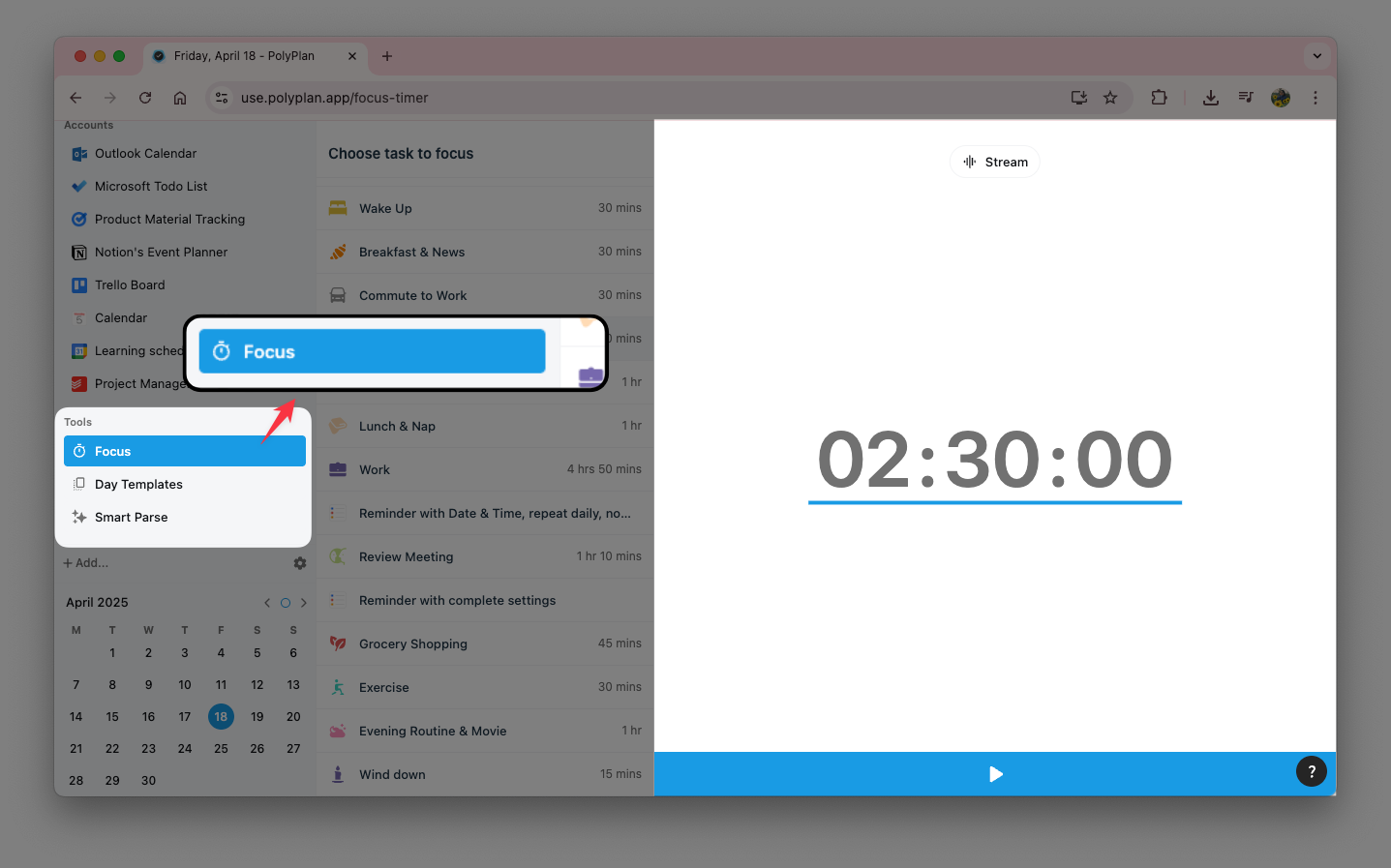
Maintaining concentration in a distracted world is challenging. Our new Focus Sessions feature helps you dedicate time to your most important tasks with built-in time tracking.
How Focus Sessions Work
Countdown Timer: Start a focused work session on any task
Flexible Control: Pause or stop your session if interruptions occur
Duration Tracking: Automatically update task durations based on actual time spent
Productivity Insights: Build awareness of how you're allocating your time
Whether you practice Pomodoro, time-blocking, or simply need to track time spent on tasks, Focus Sessions seamlessly integrate deep work principles into your PolyPlan workflow.
Learn more about using Focus on website & desktop apps 👉 Focus Session: Live Timer
Note: currently this integration is available on website & desktop apps.
📆 Improved Schedule Navigation
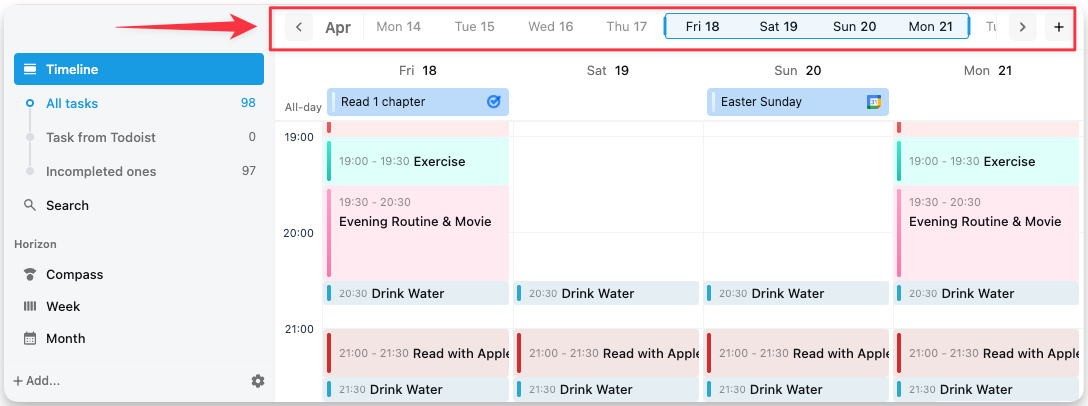
The week view has been redesigned into a new date bar for easier navigation on website & desktop apps:
Quickly scroll through dates to view specific days
Drag to select multiple days for a broader schedule overview
Get clearer visibility into your upcoming commitments
📱iOS App Enhancements
The mobile experience for iOS users continues to improve with two significant updates:
Create and save personalized task views based on status, color, and integration
Add new tasks to existing day templates without starting from scratch
Update now and experience a more connected, efficient task management workflow!
Access website app: https://use.polyplan.app
Access phone app:
Access desktop app
For any questions, please feel free to share with us at contact@polyplan.app